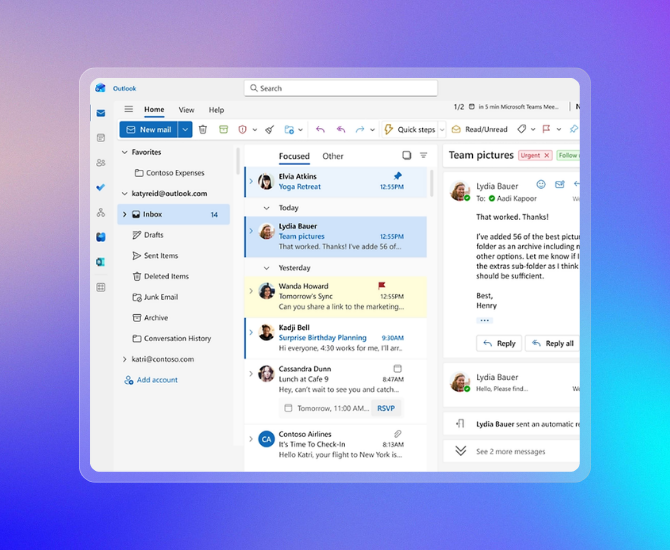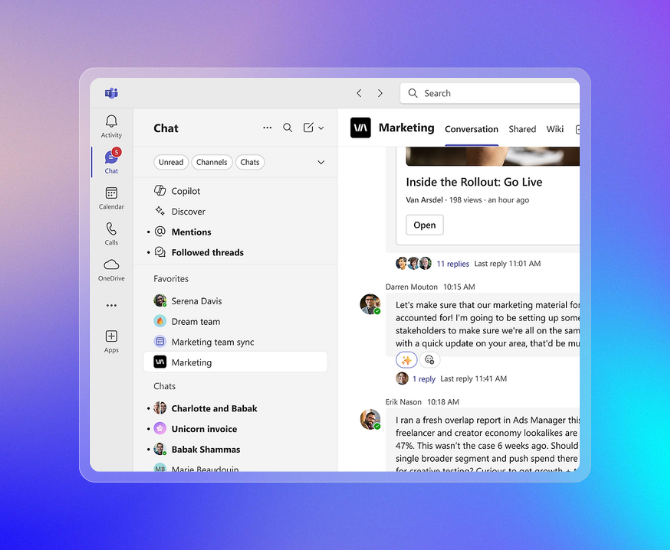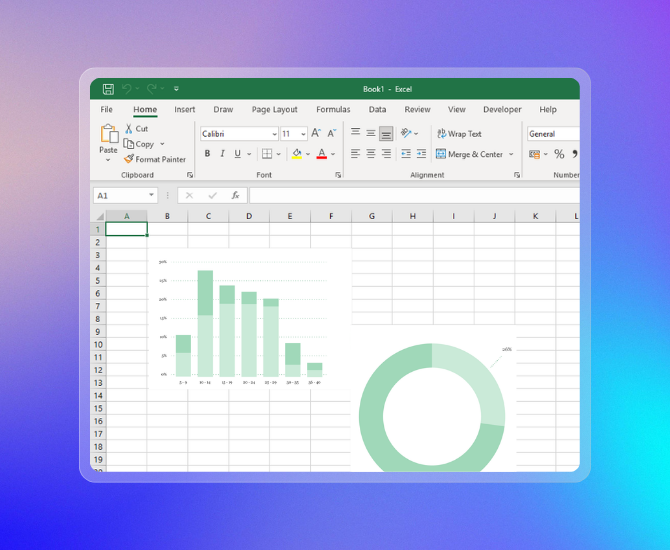





 Identity, access, and user management for up to 300 employeesCustom business email (you@yourbusiness.com) Web and mobile versions of Word, Excel, PowerPoint, and OutlookChat, call, and video conference with Microsoft Teams1 TB of cloud storage per employee 10+ additional apps for your business needs (Microsoft Bookings, Planner, Forms, and others)Automatic spam and malware filtering
Anytime phone and web supportCopilot for Microsoft 365, available as an add-on Secure cloud services: Exchange, SharePoint, OneDrive for Business, Skype for Business, Microsoft Teams, Yammer Identity, access, and user management for up to 300 employeesCustom business email (you@yourbusiness.com) Web and mobile versions of Word, Excel, PowerPoint, and OutlookChat, call, and video conference with Microsoft Teams1 TB of cloud storage per employee 10+ additional apps for your business needs (Microsoft Bookings, Planner, Forms, and others)Automatic spam and malware filtering
Anytime phone and web supportCopilot for Microsoft 365, available as an add-on Secure cloud services: Exchange, SharePoint, OneDrive for Business, Skype for Business, Microsoft Teams, Yammer Identity, access, and user management for up to 300 employeesCustom business email (you@yourbusiness.com) Web and mobile versions of Word, Excel, PowerPoint, and OutlookChat, call, and video conference with Microsoft Teams1 TB of cloud storage per employee 10+ additional apps for your business needs (Microsoft Bookings, Planner, Forms, and others)Automatic spam and malware filtering
Anytime phone and web supportCopilot for Microsoft 365, available as an add-on Secure cloud services: Exchange, SharePoint, OneDrive for Business, Skype for Business, Microsoft Teams, Yammer Identity, access, and user management for up to 300 employeesDesktop versions of Word, Excel, PowerPoint, and Outlook 1 TB of cloud storage per employee Anytime phone and web supportCopilot for Microsoft 365, available as an add-on
Identity, access, and user management for up to 300 employeesCustom business email (you@yourbusiness.com) Web and mobile versions of Word, Excel, PowerPoint, and OutlookChat, call, and video conference with Microsoft Teams1 TB of cloud storage per employee 10+ additional apps for your business needs (Microsoft Bookings, Planner, Forms, and others)Automatic spam and malware filtering
Anytime phone and web supportCopilot for Microsoft 365, available as an add-on Secure cloud services: Exchange, SharePoint, OneDrive for Business, Skype for Business, Microsoft Teams, Yammer Identity, access, and user management for up to 300 employeesCustom business email (you@yourbusiness.com) Web and mobile versions of Word, Excel, PowerPoint, and OutlookChat, call, and video conference with Microsoft Teams1 TB of cloud storage per employee 10+ additional apps for your business needs (Microsoft Bookings, Planner, Forms, and others)Automatic spam and malware filtering
Anytime phone and web supportCopilot for Microsoft 365, available as an add-on Secure cloud services: Exchange, SharePoint, OneDrive for Business, Skype for Business, Microsoft Teams, Yammer Identity, access, and user management for up to 300 employeesCustom business email (you@yourbusiness.com) Web and mobile versions of Word, Excel, PowerPoint, and OutlookChat, call, and video conference with Microsoft Teams1 TB of cloud storage per employee 10+ additional apps for your business needs (Microsoft Bookings, Planner, Forms, and others)Automatic spam and malware filtering
Anytime phone and web supportCopilot for Microsoft 365, available as an add-on Secure cloud services: Exchange, SharePoint, OneDrive for Business, Skype for Business, Microsoft Teams, Yammer Identity, access, and user management for up to 300 employeesDesktop versions of Word, Excel, PowerPoint, and Outlook 1 TB of cloud storage per employee Anytime phone and web supportCopilot for Microsoft 365, available as an add-on